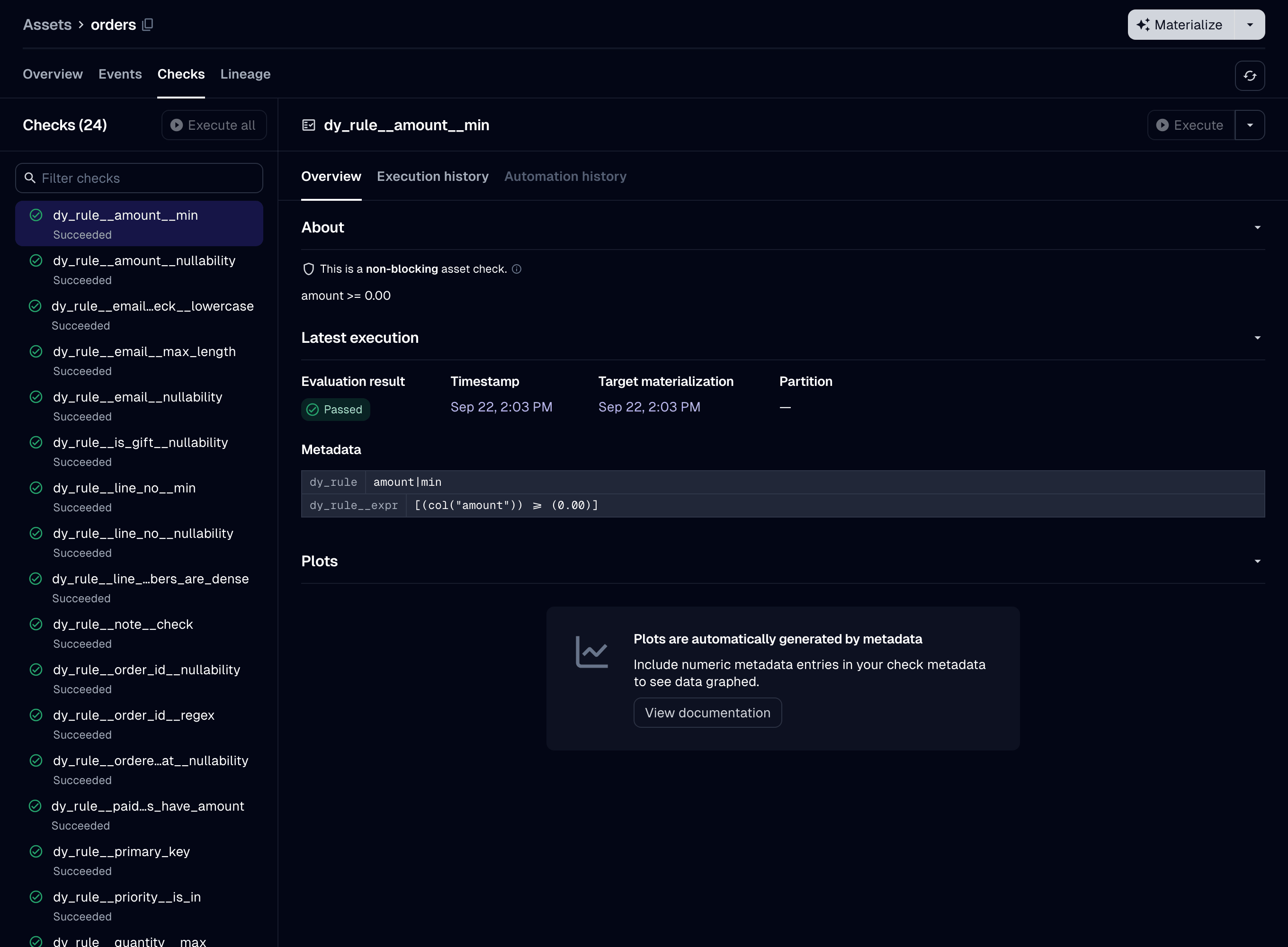
Setup: the demo’s Orders schema, which every example on this page uses
import dagster as dg
import dataframely as dy
import polars as pl

import dagster_dataframely as dd
from dagster_dataframely_demo.schema import Orders
The schema is the only required argument, and it is positional. Every other argument is quarantine, one of the Settings, or a @dg.asset parameter under the same name.
You write the decorated function as you would for @dg.asset:
@dd.asset(Orders, quarantine=True, group_name="sales")
def orders(context: dg.AssetExecutionContext, raw_orders: pl.DataFrame) -> pl.DataFrame:
    context.log.info("%d rows arrived", raw_orders.height)
    return raw_orders
Dagster passes upstream assets to it by parameter name, as it does for a plain @dg.asset. Use ins= and deps= where a parameter name is not enough. Declare a context parameter to use the partition key, the log, resources or configuration.
This package does its work at two times: when the module imports, and when the asset runs.
flowchart TB
    subgraph load["when the module imports"]
        D["@dd.asset(Orders)"] --> T["Columns tab"]
        D --> C["a check spec per rule set"]
    end
    subgraph run["when the asset runs"]
        direction TB
        F["decorated function returns a frame"] --> CS["column-schema check"]
        CS --> FL["Schema.filter"]
        FL --> V["valid rows, to the asset's IO manager"]
        FL --> I["invalid rows, to the quarantine"]
        FL --> R["a result per check"]
    end
    load --> run
Two things exist as soon as the module imports, before any run:
- The Columns tab, built from the schema. The tab shows dtypes, descriptions, nullability, uniqueness, the primary key at table level, and every other column constraint beside its column.
- A check spec per rule set, so the catalog lists the asset’s checks by name before the first run.
The asset’s description comes from the schema’s docstring, as Naming describes.
A run checks the column schema of the frame the decorated function returns, then filters the frame with Schema.filter. The asset’s IO manager writes the valid rows. A writer writes the invalid rows to the quarantine. Each check reports a result. Not every run writes both the valid and the invalid rows: The failure policy lists the six outcomes and what each one writes.
dd.asset builds a @dg.asset and accepts its parameters under the same names, except the six below. A test fails if @dg.asset adds a parameter that dd.asset lacks, or removes one that dd.asset passes on. config_schema is narrower than Dagster’s: it takes only a mapping, not the union of six types that @dg.asset accepts. A type checker rejects the five legacy forms, but nothing rejects them at run time.
| check_specs |
they come from the schema’s rules |
nothing |
key |
key_prefix and name set it |
key_prefix= plus name= |
output_required |
the outcomes that write nothing must end the step without an output |
nothing |
dagster_type |
declined (#3): it runs before the IO manager and cannot set a severity, so it cannot apply the failure policy |
the schema, which this package validates against |
is_virtual |
a virtual asset has no function to decorate |
nothing |
io_manager_def |
resource_defs already sets it |
resource_defs={"io_manager": ...} |
The schema is a single dy.Schema, never a dy.Collection
Passing a Collection raises CollectionNotSupportedError at decoration time. Declare one asset per member instead, each with the member’s own schema.
The parts under Hand-wiring cannot validate a Collection either, because validation_results takes a single schema.
What the decorated function returns
It can return five things:
pl.DataFrame                dg.MaterializeResult[pl.DataFrame]
pl.LazyFrame                dg.MaterializeResult[pl.LazyFrame]
None
The returned value determines what happens, not the annotation. The same Schema.filter call filters a LazyFrame and a DataFrame. A dg.MaterializeResult is unwrapped first.
@dg.asset enforces its return annotation, because it infers the output’s dagster_type from it. dd.asset does not. The asset always stores a DataFrame, because this package collects the valid rows even when the function returns a LazyFrame. Annotate the function anyway, so that a type checker enforces the annotation. Parameterize a returned result, because a strict type checker rejects a bare dg.MaterializeResult as an implicit Any.
Return a dg.MaterializeResult instead of a bare frame when you want to add metadata, tags or a data version to the materialization. Prefer it to context.add_asset_metadata: it is the only one of the two that works when you call the asset directly. Attaching your own metadata describes both.
Return None to skip, as A partition with no data describes. To skip, return None itself: dg.MaterializeResult(value=None) raises MaterializeResultValueError.
Return anything else and the run fails with dg.DagsterInvariantViolationError before the column-schema check.